This month was probably one of the busiest behind the scenes here at Databruce.
When it comes to working on this site, I go through phases. Some months will just be a few bug fixes. Other months I am actively taking a wrecking ball to parts of the site. This month was one of the latter ones, with nearly 50 notable updates affecting almost every part of the site in some form.
Why do I do this? Good question.
Anyway, on to the updates, which since there are so many I will instead direct you to the relevant part in the changelog.
New Logo!
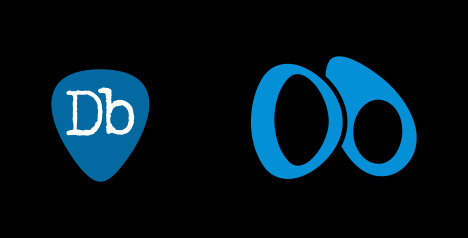
While the site technically had a logo before, it was simple and didn’t have a ton of thought put into it. I opened Illustrator, typed the site name in a Darkness-esque typewriter font, made some tweaks and called it a day. The icon version had even less thought put into it, although that at least had a guitar pick background to be somewhat interesting looking.
I knew that I did want some kind of original logo. Something a bit more stylized and unique, something to stand out somewhat. I think I managed that.
Originally I wanted something that would tie in with Bruce, or be a callback of some kind. But when you think about it, he really hasn’t had a single logo or icon. Really all I could come up with was the Telecaster, but those attempts went nowhere.
I had a few rough drafts, none of which particularly good, I was at this point:

Which frankly looks more like the logo for a business or a lawyer or something. Although the cutout idea did make it through to the final.

It’s simple but it stands out, stylized, and most definitely unique (read: couldn’t find anything in reverse image search). And best of all, no AI bullshit involved, a fact I’m proud of.
The logo is an abstracted version of the letters “D” and “b”. I took the original icon and applied the “smooth” effect in Illustrator. Actually turned out quite nice. Initially I wasn’t sure how well it was communicated that the shapes are letters, but I think it works.
Moving on from Datatables (well partially)
Last month I started experimenting with creating my own tables and controls instead of using Datatables.
Previously I switched over tables that didn’t make use of any sorting/searching/filtering, as there was no need to render a static datatable. Ended up making the home page faster when all of those tables used vanilla JS to render.
For tables that make use of sorting/searching/filtering, DT is preferred. However, there are a number of tables on the site that don’t make use of that. Among those was the setlist table. This one was a particular pain because I wanted specific column widths, and DT (to the best of my knowledge) treats that as a suggestion rather than a command.
Eventually, I figured out how to replicate everything DT was doing for the setlist table and went that route instead. No longer would I have to deal with the table randomly deciding to go off screen or messing up every column for the hell of it.
The rest of the tables on the site DO make use of sorting/searching/filtering, so I’m stuck with DT for the time being. I did however switch those over to my own custom table controls so that I’d have full control over styling/placement/behavior instead of being restricted to DTs defaults.
Tags and Types
A new feature this month is the addition of “Event Tags”. These tags are used to mark events based on something notable that happened.
The main inspiration for this was wanting to mark full album performances, at least as more than just a line in the event note. Although I ended up coming up with quite a few more tags on top of that:
Full Album: Greetings
Full Album: E Street Shuffle
Full Album: Born to Run
Full Album: Darkness
Full Album: The River
Full Album: BITUSA
Full Album: The Ghost of Tom Joad (Out of Order)
Full Album: Born to Run (Out of Order)
Full Album: Human Touch (Out of Order)
Accordion Show Opener
Growin Up Story
Bruce Not Present
Official Release
Radio Broadcast
TV Broadcast
Full Album: Nebraska
Nugs Release
This list will continue to grow over time, as I think of more to add. I looked to Jerrybase to figure out how to handle these, even borrowing a few of theirs that applied to Bruce’s shows.
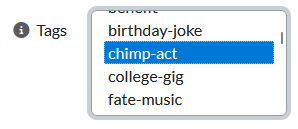
These tags can also be used in the advanced search to find specific tagged events. As I add more tags this will only get more useful.
While event types have been a thing since nearly the beginning, it is now possible for events to have multiple types. Granted I haven’t actually added multiple to an event, the work was done to make it possible in the future.
Home Page Changes
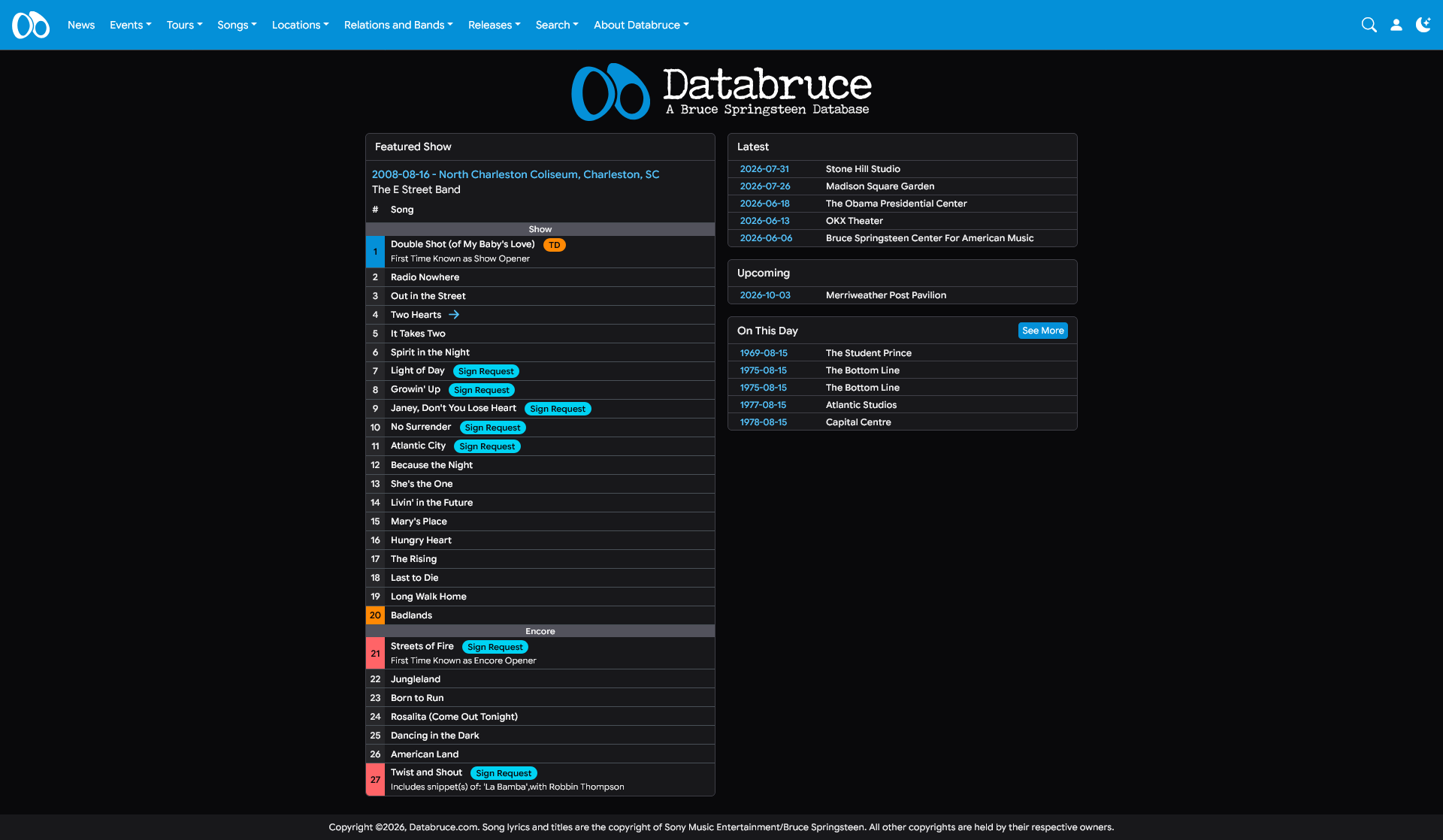
In addition to the new logo, the home page has been slightly redesigned.
Gone is the featured image and list of recent updates, both of which just took up space. Tossing that first column cleans up the home page quite a bit.
Featured Show
Until now, the “featured show” was set manually. Either going with the most recent show or the latest archive release show. Since the tour ended months ago, and only 1 archive has released, it led to the home page rarely updating in a significant way.
The featured show now draws from events that have happened on this day in Bruce history. Meaning there will be a new show on the home page nearly every day (so long as there were shows that is.)
Some filters have been put in place in the selection: - Must have a setlist - Tour must not be Broadway or a Misc. tour - Setlist must be confirmed, meaning a recording exists or very reliable recollection
Conclusion
I wanted this update post to be a shorter one, which are better for me. Less time writing and dwelling on it. In the past I’ve spent hours or a whole day working on a post, back and forth editing different sections and fretting over every bit. The preferred approach is to check the changelog, pick a few notable updates, open Obsidian, and bang out a post in maybe an hour or two. Of course, if I have stuff to elaborate on I WILL elaborate (and that is a threat). Other times if a feature deserves a breakout post (like the box office data), then it will get one.
Thanks for reading!
Brian
(August 15, 2026)